


Get Puredyne one of three ways:
(1) download and burn it on a CD or DVD,
(2) purchase the Puredyne USB, or
(3) download and create your own bootable USB stick.
(1) Download and create a live CD or DVD
Download the latest Puredyne version 9.11 – carrot and coriander – from one of these:- NL, Amsterdam, primary server: GOTO10
- CZ, Prague, mirror: node9.org
- US, California, mirror: restruct.org
- FR, Orléans, mirror: labomedia.org
- GR, Crete, mirror: cc.uoc.gr HTTP, cc.uoc.gr FTP
- IT, Milan, mirror: recipient.cc
- DE, mirror: Gunzenhausen
- SK, Bratislava, mirror: puredyne.multiplace.org mirror
(We are always looking for new mirrors – see this mailing list post and get in touch.)
(2) Puredyne USB
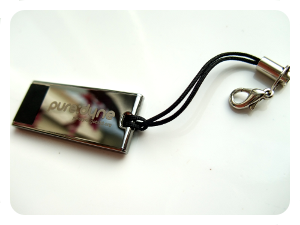
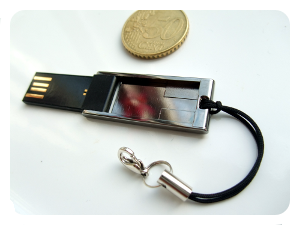
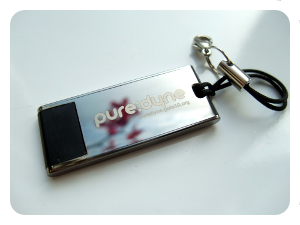
Puredyne also can be bought, in the shape of a 4GB bootable USB stick. It is tiny, but provides you with the complete puredyne GNU/Linux system including all software, and extra space to store your files. Once you have the key, follow these instructions to boot Puredyne on your machine. (Note: this is an open-source/free-software project and so as usual the software is distributed in the hope that it will be useful but without any warranty! 🙂 PC ONLY: the current stick cannot boot on Mac (do you know why? tell us!)